 by
by Friday is almost here! Before you unplug, here’s one last round of insights and updates. Whether you read them now or save them for later, you won’t want to miss these.
In today’s edition:
-
AI automation tips
-
Building landing pages with AI
-
🗞️ Industry news from ChatGPT and Gemini

Triggers and Actions: How Automation Tools Actually Work
If you do the same small task every week — copying form responses into a sheet, saving email attachments, reminding yourself what’s on the calendar — that’s exactly the work AI automation tools were built to take off your plate.
Automation tools like Make, n8n, and Google Workspace Studio look different, but they all run on one simple idea: when this happens, do that.
-
When is the trigger (Studio calls it a starter). A new email arrives, someone submits a form, a file lands in a folder, or the clock hits 8am Monday.
-
Do That is the action (Studio calls these steps). Send a message, add a row to a sheet, create a calendar event, save a file. One trigger can kick off several actions in a row.
Every automation you build comprises a trigger followed by one or more actions. Here are three easy automations for beginners to build:
-
New Lead Alert: When someone submits your contact form, add them to a lead sheet and send yourself a chat notification.
-
Monday Kickoff: Every Monday at 8am, email yourself a list of this week’s meetings.
-
Attachment Saver: When an email with an invoice arrives, save the attachment to a Drive folder.
So which automation tool should you use? If you work in Google Workspace, start with Studio — it may already be in your account. Make offers a visual drag-and-drop builder that connects thousands of apps, and n8n appeals to people who want more control, including the option to host it themselves.
Once your first flow is running, the next step is letting AI read what comes in and decide what happens next. We walked through how to build that in our session replay, available instantly when you join the AI Business Society.

Some AI Answers Don’t Come From Prompts
You can watch the tutorials and test the new tools on your own. But some of the best ideas only show up when another marketer says, “Here’s how I do that.”
Those conversations happen everywhere at AI Business World. And the speakers teach what they do in their businesses. Nobody sells from the stage.
This is the last chance to save 50% on your ticket.
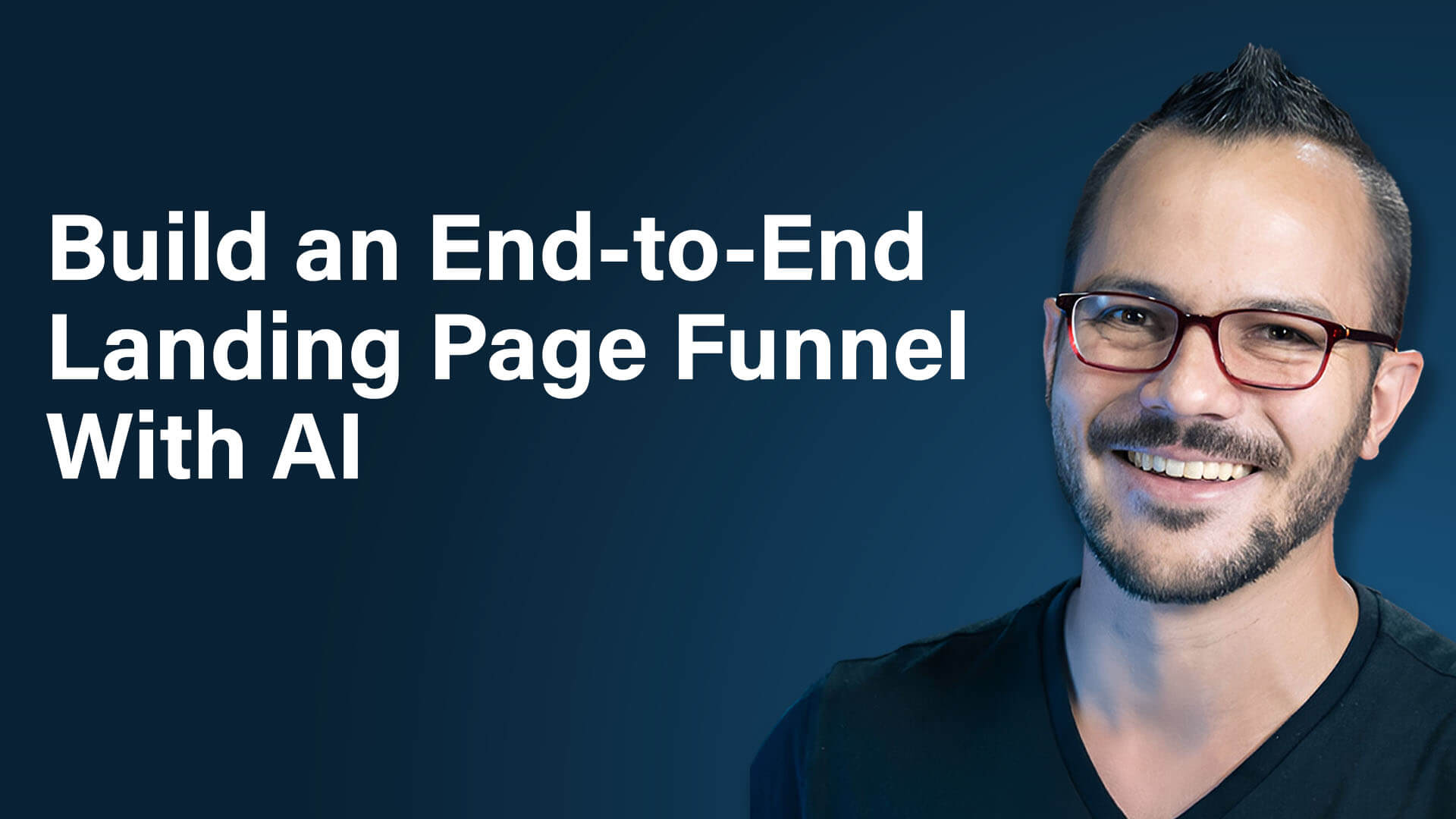
How to Build Landing Pages With AI, From Plan to Published
Wondering why all of your AI productivity isn't turning into growth? Often the real bottleneck is how quickly you can get a new offer in front of people, and that almost always depends on a landing page. Dan Sanchez, an AI strategist and host of the AI Driven Marketer podcast, shares how he uses AI to plan, design, write, and launch complete landing page campaigns on his own.
Start With a Scope of Work, Not a Prompt
Learn why Dan does all of his planning in a regular chat window before he ever opens a coding tool, and what his plan covers beyond the page itself, including the spot where many marketers leave money on the table.
Write the Copy and Design Together
Discover why Dan has AI tackle copy and layout in the same pass, the copywriting frameworks he stacks on every page, and a simple way to give AI art direction even if you have no design background.
Save Money With a Delegation Skill
Find out how a custom skill lets a premium model hand routine work off to cheaper models, and how easily you can build one yourself.
Where Your Landing Page Should Live
Get Dan's take on a budget-friendly hosting option versus a more flexible setup with version control, plus why he connects forms through an API instead of an MCP.
The Review Steps You Can't Skip
Learn which checks Dan runs before anything goes live and why a human still needs to test the full experience from start to finish.
Want to Learn More?
-
Watch on YouTube
-
Listen on Apple Podcasts | Spotify | Amazon Music
-
Read the show notes on Social Media Examiner
Just Explain What You Want Done
You already know which tasks you’d hand off to AI first. Automating them used to mean developers, budgets, and months of waiting. Now it means one clear description of the job.
Our free field guide walks you from that description to a working system. Four prompts do most of the heavy lifting.

Gemini Expands With AI-Powered Tools for Small Businesses: Google has announced new Gemini capabilities designed to help small business owners simplify operations, manage marketing, and make more informed decisions. A dedicated business hub brings together branding tools, financial insights, and integrations with Google services and third-party business platforms. Enhanced image generation enables businesses to establish reusable visual identities and create consistent campaign assets, while new financial tools turn business records into interactive insights. The updates will begin rolling out globally in the coming days, making AI-powered business assistance more accessible to entrepreneurs. Google
OpenAI Introduces Locked Chats to Add Privacy Controls to ChatGPT: OpenAI has announced a new feature that allows users to secure individual ChatGPT conversations with a PIN or supported biometric authentication. Protected conversations are stored in a separate section with their own Memory, enabling users to revisit sensitive discussions without incorporating new information into regular chats. While the feature adds protection against casual access by others using the same device, it does not change ChatGPT's underlying encryption, retention, or data-use policies. Locked Chats began rolling out on October 20 across most ChatGPT plans, with availability expanding gradually. TechCrunch







