by
by Wish you could automate the time-consuming parts of creating content? Wondering how?
In this article, you'll explore how to build AI-driven automations that streamline your content marketing process from start to finish.

Understanding the Power of AI Automation in Content Marketing
Keith Moehring's journey into AI automation began unexpectedly. His pivotal moment came when he joined PR 20/20, where he developed a passion for the technical side of marketing, particularly automations, integrations, and data analytics.
After launching his own business in February 2020, just weeks before the global pandemic, Moehring faced the challenging task of growing a business alone.
The emergence of ChatGPT provided the solution he needed—an assistant-level tool that could help manage time-consuming projects efficiently. This discovery led him to explore the vast potential of combining AI with automation tools to revolutionize content marketing workflows.
“It was everything that I needed to sustain and continue to grow the business,” Moehring explains. “It really just opened up a bunch of new doors, not only just for me internally but by bringing these automations to my clients and helping them expand what we can do on a regular basis.”
#1: The 3 Foundational Basics of AI-Driven Content Marketing Workflows
Every AI automation workflow has the three fundamental components of any automation workflow.
Triggers: Triggers are the events that initiate your automation workflows and fall into two primary categories.

Time-based Triggers operate on a schedule, running at specific intervals such as every minute, hour, or day. They're perfect for regularly scheduled content creation. Event-based Triggers respond to specific actions, such as when someone fills out a form or adds information to a spreadsheet.
Triggers typically come with a packet of information that flows into the operations process.
Operations: The operations phase is where the actual data processing occurs. Multiple functions you define are performed in sequence, with each operation having access to the original trigger information and the output from previous operations. Conditional logic is a valuable component in operations because it allows your workflows to adapt based on specific criteria or content types.
As operations are performed, the output of your content is produced.
Outputs: The final phase is how processed content is delivered to its destination, whether creating a document, updating a spreadsheet, or generating a task in your project management system.
#2: The Essential Tech Stack for Building AI Content Workflows
To create effective AI-driven content workflows, you'll need several key tools.
Ready to Supercharge Your Marketing Strategy?

Get expert training and an unbeatable conference experience when you attend Social Media Marketing World this April 28-30—from your friends at Social Media Examiner.
Broaden your reach, skyrocket your engagement, and grow your sales. Become the marketing hero your company or clients need!
🔥 Save $500 on an All-Access ticket. Sale Ends Friday! 🔥
GET THE DETAILSIntegration Tools
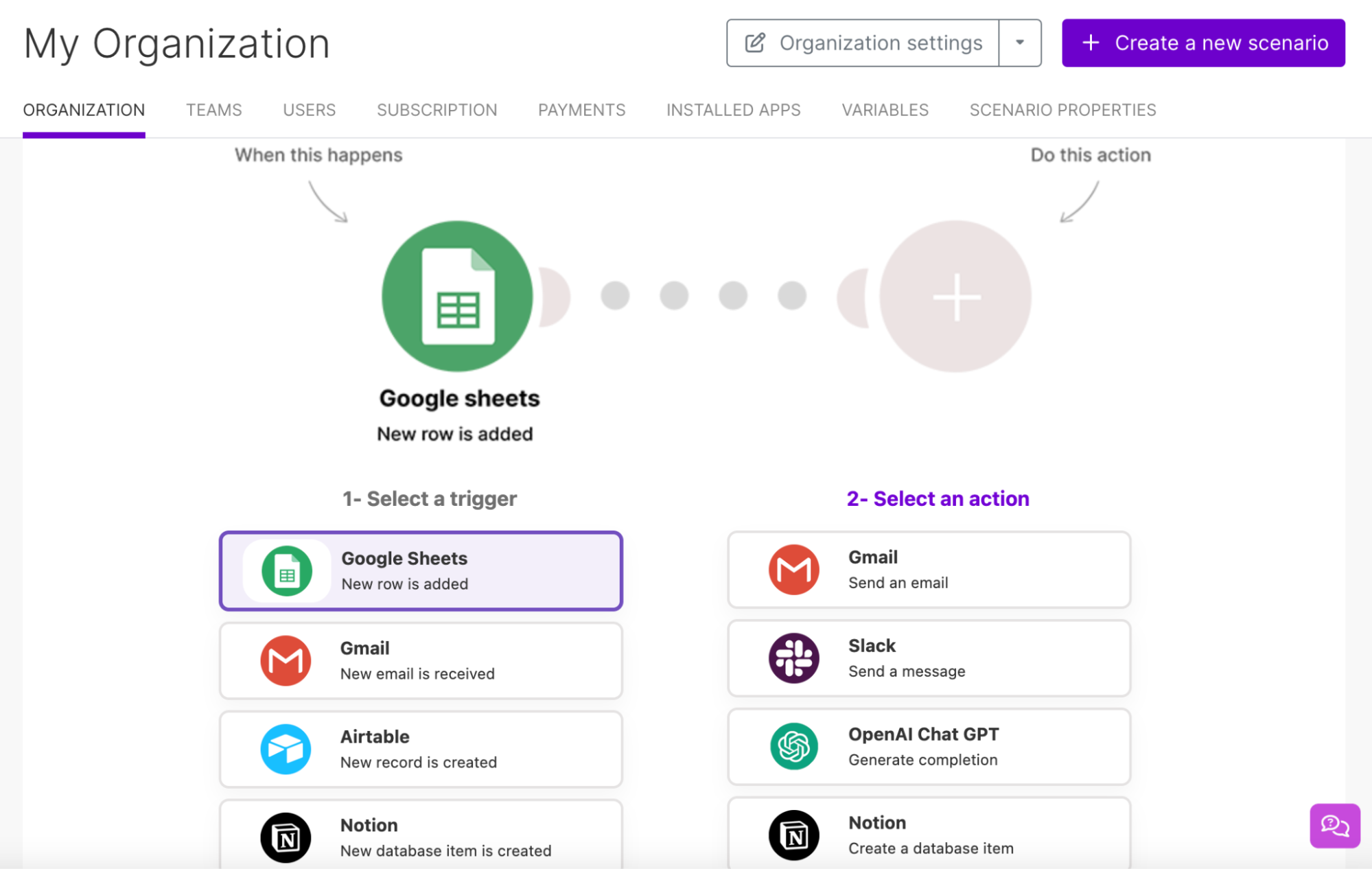
These tools allow you to create a workflow that connects your trigger to your AI assistants and output destinations. You can use Zapier or Make. Make is Moehring's preferred automation platform, offering API integrations with over a thousand technologies. The tool provides a simple visual interface for building workflows and offers extensive conditional logic capabilities.
Trigger Point Tools
These tools house the data that initiates your workflows. Google Sheets is an excellent trigger point for automation because you can simply add new rows with content requirements. You can also use Notion or Airtable.
Operations Tools
These AI tools handle the workflow's content generation and processing aspects by integrating directly into your automation through APIs. Both Claude and Open AI's Assistants work well here.
Output Storage Solution Tools
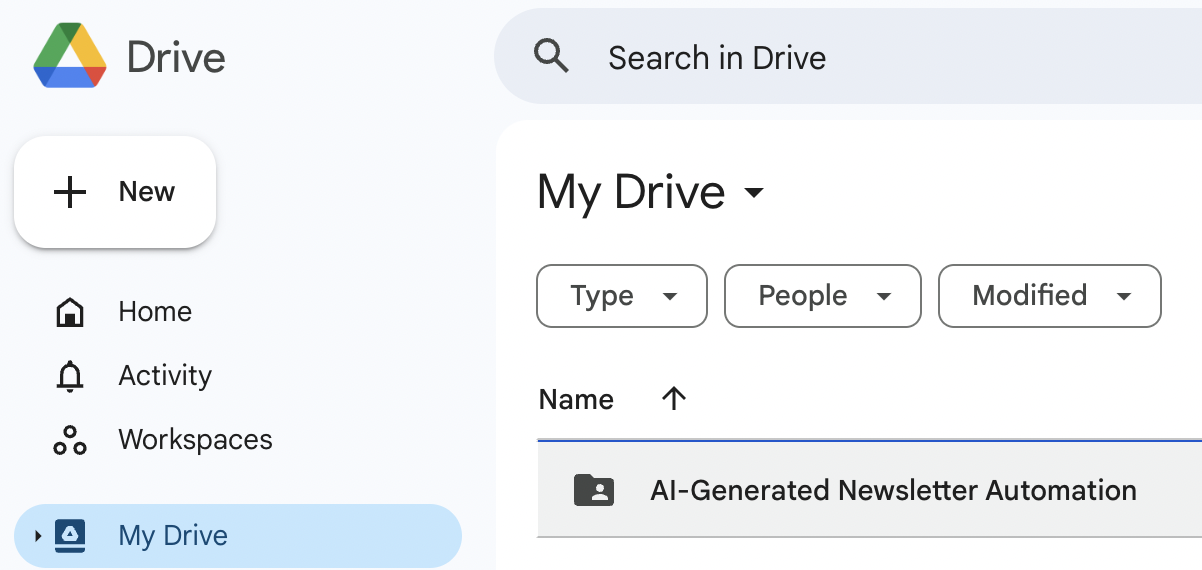
When your content has been processed, you'll need a place for it to live. You can use Google Drive, SharePoint, or Dropbox to store and organize your created content.
Project Management Tools
Consider tools like ClickUp, Asana, or Trello to manage the content review process.
#3: Building Your First AI Content Workflow
Setting up your first workflow may take longer as you learn the tools and systems. But once you've created one successful workflow, you can clone and modify it for different content types or clients, making expansion easier over time. Then, you can set up a workflow in 10 to 15 minutes.
Moehring outlines a systematic approach to creating your first AI-driven content workflow:
Step 1: Document Your Process
Begin by mapping out your current content creation process in linear detail. For example, a newsletter creation process might include:
- Reading and summarizing reference articles
- Pulling relevant quotes
- Drafting an outline
- Researching past content on the topic
- Writing the full article
- Saving the draft for review
- Editorial review and approval
Step 2: Set Up Your Trigger Point
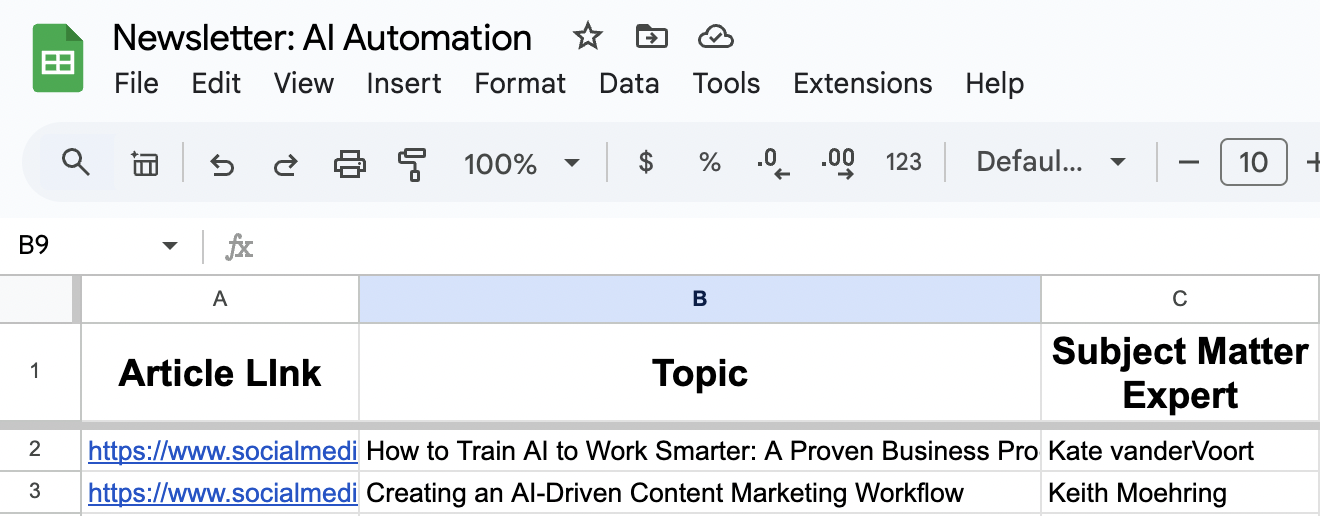
Create a Google Sheet with specific columns for:
- Links to articles or content sources you want to use in your newsletter
- Topic categories
- Subject matter expert's names
- Any other additional variables that are required for your content creation
Step 3: Configure Your AI Assistants
Moehring recommends using OpenAI's Assistants API or Claude to create specialized AI helpers. These helpers can be configured with specific instructions and knowledge bases to guide different aspects of your content creation. For example, you'll have different requirements for:
AI Is No Longer Optional for Marketers—Ready to Master It?

This April 29-30, join over a thousand forward-thinking marketers at AI Business World—a conference-in-a-conference at Social Media Marketing World.
Get two days of practical AI training where you'll discover:
✅ Systems that 3x your output—leaving time for strategy and creativity
✅ Proven strategies you can deploy right away—no guesswork, no wasted budget
Become the indispensable AI expert your company needs.
GET YOUR TICKETS—SAVE $150- Content summarization
- Quote extraction
- SEO optimization
- Style guide compliance
Pro Tip: If you're using OpenAI's Assistants API, testing and refining your prompts with custom GPTs before implementing them in your automation is a good idea. This process ensures consistent, high-quality output that meets your standards.
Step 4: Build Your Automation in Make
In Make, create a workflow that connects your trigger (Google Sheet) to your AI Assistant and output destinations.

A basic workflow might include:
- Monitoring a Google Sheet for new content requests made by filling in a new row
- Scraping the referenced article content
- Stripping all the HTML out of the scraped article content
- Passing the clean article content to AI for summarization and quote extraction
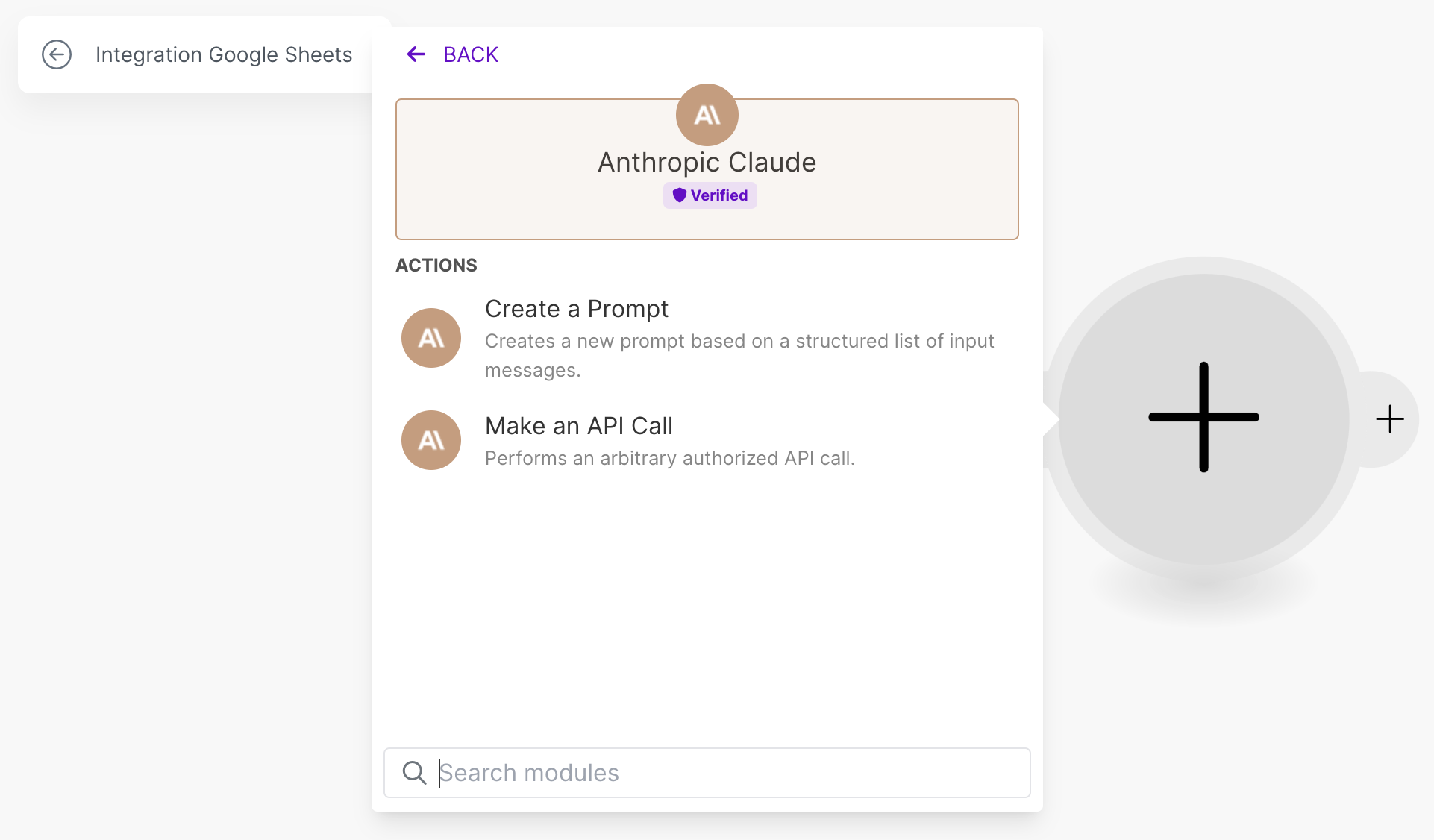
- Generating a draft article using another AI operation
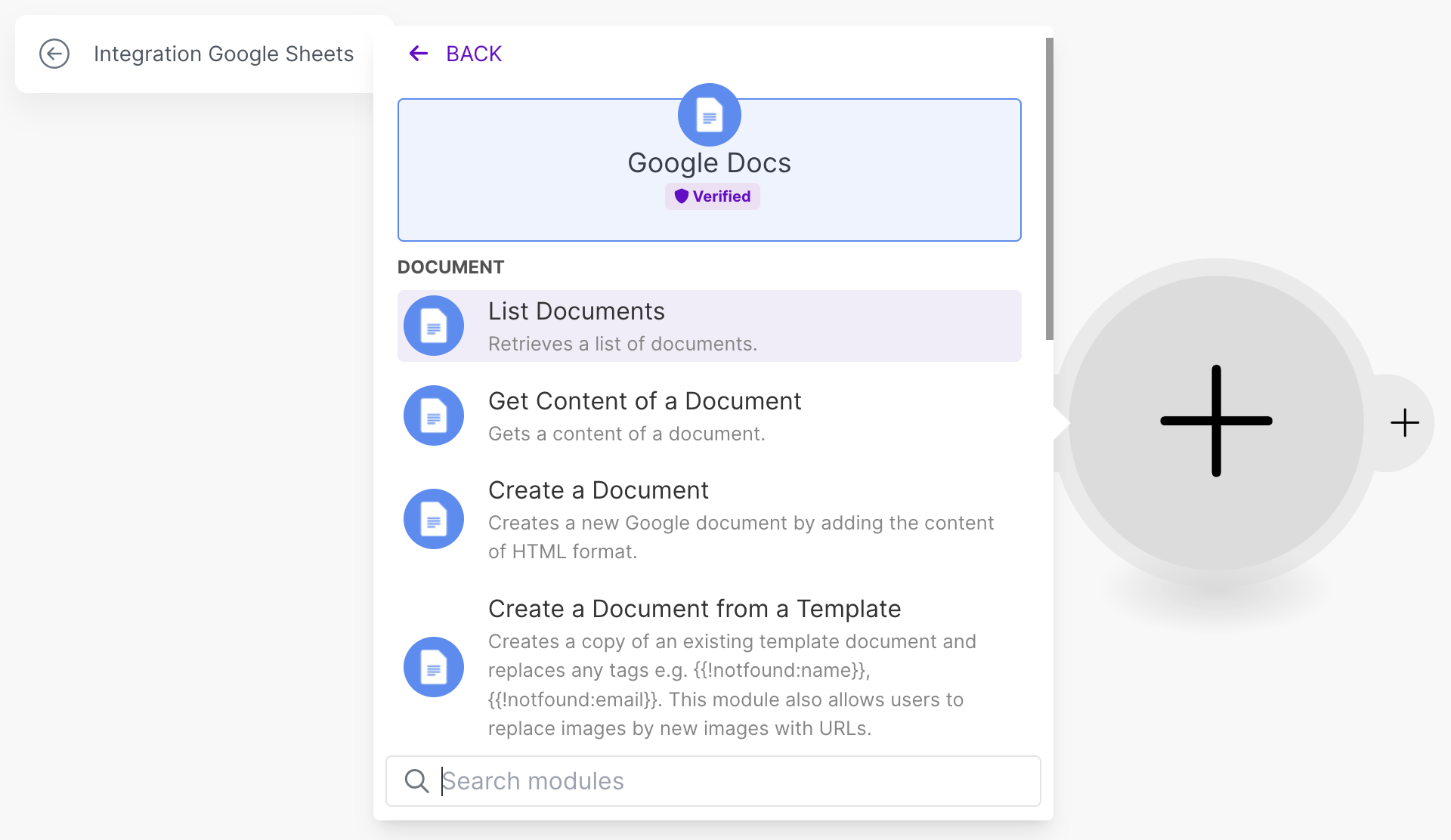
- Creating a Google Doc to house the draft
- Generating a review task in your project management tool
- Updating the original spreadsheet with status and links
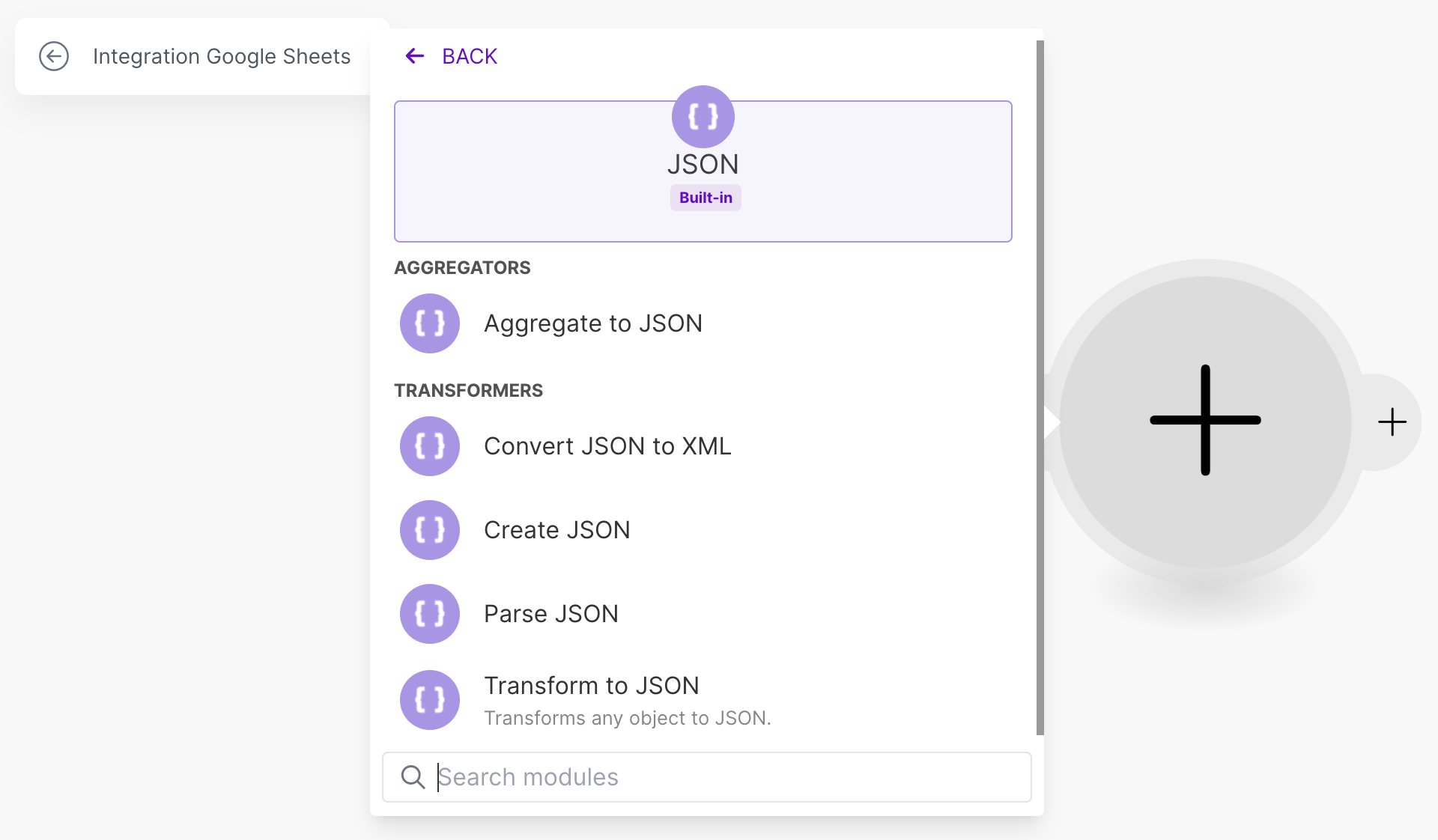
Pro Tip: Use structured data formats (JSON) to maintain organization throughout the workflow.
#4: What's Possible With AI Automation Workflows: Advanced Tips and Techniques
Email-Based Triggers
Creating a specific email address, such as [email protected], for automation tasks allows you to initiate workflows by simply sending an email with appropriate subject lines and boy content.
Email Subject Line: Write me a blog post.
Email Body: Blog post for [client] on [topic].
This method allows for:
- Quick content creation requests
- Automatic task generation
- Client-specific workflow routing
Pro Tip: When setting up email triggers, create dedicated addresses rather than connecting to primary email accounts to maintain security and privacy.
Conditional Logic Implementation
Your workflows can include decision points based on various factors, such as:
- Content type (news vs. opinion pieces)
- Topic categories
- Client-specific requirements
- Content length or complexity
Using conditional logic allows for automated routing and processing of content through appropriate channels and templates.
Integration With Project Management
Adding your project management tools to your automation workflow can streamline the following actions:
- Creating tasks for content review
- Assigning specific team members
- Setting due dates
- Including relevant document links
- Adding context and instructions
Keith Moehring is the founder and CEO of L2 Digital, a marketing agency that helps B2B businesses scale with AI automations. His course, AI Automation Content Assistant, helps content marketers automate their content production with AI. Connect with him on LinkedIn.
Other Notes From This Episode
- Connect with Michael Stelzner @Stelzner on Facebook and @Mike_Stelzner on X.
- Watch this interview and other exclusive content from Social Media Examiner on YouTube.
Listen to the Podcast Now
This article is sourced from the AI Explored podcast. Listen or subscribe below.
Where to subscribe: Apple Podcasts | Spotify | YouTube Music | YouTube | Amazon Music | RSS
✋🏽 If you enjoyed this episode of the AI Explored podcast, please head over to Apple Podcasts, leave a rating, write a review, and subscribe.
Stay Up-to-Date: Get New Marketing Articles Delivered to You!
Don't miss out on upcoming social media marketing insights and strategies! Sign up to receive notifications when we publish new articles on Social Media Examiner. Our expertly crafted content will help you stay ahead of the curve and drive results for your business. Click the link below to sign up now and receive our annual report!

Want to Unlock AI Marketing Breakthroughs?
If you’re like most of us, you are trying to figure out how to use AI in your marketing. Here's the solution: The AI Business Society—from your friends at Social Media Examiner.The AI Business Society is the place to discover how to apply AI in your work. When you join, you'll boost your productivity, unlock your creativity, and make connections with other marketers on a similar journey.
I'M READY TO BECOME AN AI-POWERED MARKETER