by
Friday is almost here! Before you unplug, here’s one last round of insights and updates. Whether you read them now or save them for later, you won’t want to miss these.
In today’s edition:
-
5 rules to give your projects
-
Build AI workflows that run without you
-
🗞️ Industry news from Gemini
5 Instructions To Add To Every Claude or ChatGPT Project
Projects in ChatGPT and Claude let you save instructions that apply to every chat inside them. Most people leave this box blank or write one line about their business. That’s a mistake, because adding a few well-chosen rules will head off the most common AI frustrations before they happen.
Paste these five rules into your Project instructions and adjust the wording to improve the output AI gives you:
-
“If you’re unsure how to proceed or if my request is missing details, ask me questions before you start.” This one change cuts down on confident answers to the wrong question.
-
“For anything client-facing, use plain, everyday language and explain any jargon.” Your clients don’t speak marketing, and your drafts shouldn’t either.
-
“If you don’t know something or can’t verify it, say so. Never invent statistics, sources, or quotes.” This makes it easier to spot what needs fact-checking.
-
“Check the files in this Project before answering, and tell me which one you used.” It ensures answers are grounded in your material, not pulled from generic advice.
-
“Be direct. If my idea or draft has a weakness, point it out instead of just agreeing with me.” AI tends to flatter. This gives you a useful second opinion.
Once these rules are in place, every new chat in that Project automatically follows them. You set the rules once and no longer have to repeat yourself.
Ready to get even more out of Claude and ChatGPT projects? See how experts set up and use Projects in their own work during on-demand deep-dive sessions on both tools – available instantly when you join the AI Business Society.

What Comes After the Prompts?
You’ve got the prompts down. AI is part of how you work. But the workflows that could save you real hours still feel just out of reach.
At AI Business World (April 2–3 in Anaheim), you’ll get 20 hands-on sessions led by marketers who use these workflows in their own businesses.
How to Get AI to Run Your Work Without Babysitting It
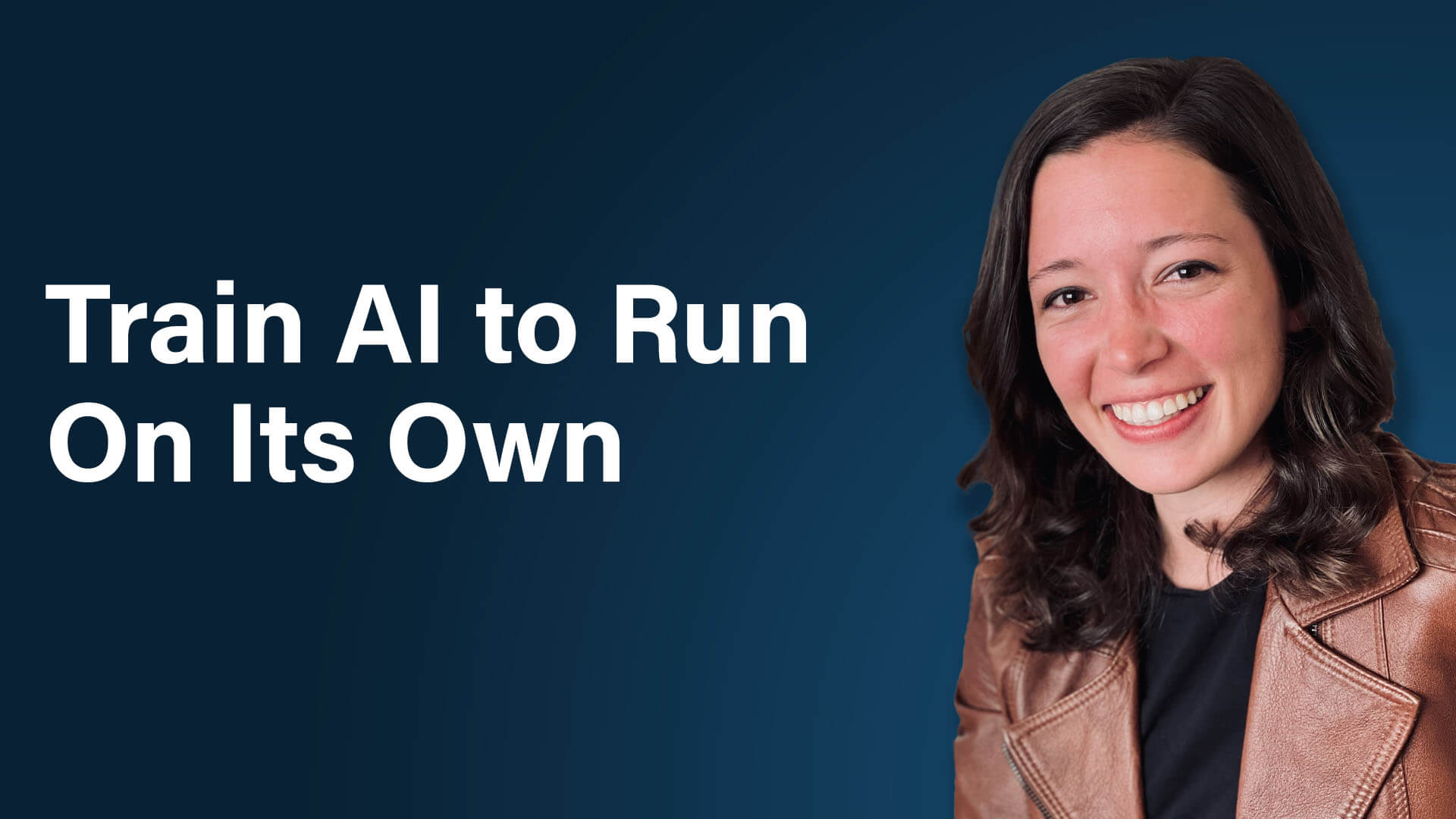
Building AI agents is the easy part. Getting them to do work you can actually trust, without checking every output, is where most people get stuck. Rachel Woods, an AI operations strategist who runs the AI Operator Bootcamp, reveals the method she uses to have AI handle a full day’s worth of work in the background while she’s out on her morning walk.
Why Trust, Not Technology, Is the Real Barrier
Discover why learning to build agents won’t unlock autonomous AI on its own and the surprisingly simple root cause behind nearly every frustrating AI output you’ve received.
The Playbook Method for Handing Off Any Type of Work
Learn the simple outline Rachel uses to turn undocumented work into a process AI can follow, plus the common scoping trap that stalls most first attempts before they deliver any value.
A Repeatable Cycle for Crafting Yourself Out of the Loop
Find out how Rachel’s CRAFT framework helps you launch a working version fast and then gradually remove yourself from reviewing the work, including the overlooked type of feedback most people never give their AI.
Where to Store Your Playbooks So You Never Lose Them
Discover why Rachel keeps her playbooks outside her AI tools and how this approach lets you switch platforms freely and collaborate with your team on better processes.
Building an AI Middle Manager
Learn how to stack playbooks so one AI coordinates the work of others, and the two ways Rachel connects her agents depending on whether she’s working solo or with a team.
Want to Learn More?
-
Watch on YouTube
-
Listen on Apple Podcasts | Spotify | Amazon Music
-
Read the show notes on Social Media Examiner

Meet the Ones Who Get It
Your friends outside marketing nod politely when you talk about AI agents and automations. Even your team is too buried in deadlines to trade ideas.
Find people who speak your language at AI Business World, April 2-3 in Anaheim. Table talks and meetups make it easy to connect, and many attendees leave with friendships that last long after the event.

Gemini Expands With Built-In File Creation and Editing: Google has introduced new capabilities that allow users to generate, preview, and modify documents, PDFs, presentations, spreadsheets, and code directly within the Gemini app. The update brings manual editing and AI-assisted refinement into a unified workspace, enabling users to highlight specific content, request revisions, and work with generated files without switching applications. PDF editing is supported across web and mobile, while other file formats are currently limited to the web experience. Available globally in supported Gemini languages, the update makes it easier for professionals and marketers to create, review, and refine content within a single AI-powered workflow. Google
Google Introduces Gemini 4 Carbon: Google has unveiled Gemini 4 Carbon, its latest frontier AI model, designed to handle complex engineering, cybersecurity, and extended autonomous workflows. Building on Gemini 4 Argon, Carbon delivers improvements in vulnerability detection, software remediation, coding performance, and multimodal reasoning while introducing stronger safeguards against prompt injection and unreliable outputs. The model also demonstrates greater consistency when executing multi-step tasks and responding to ambiguous instructions. Google is initially providing access to selected cybersecurity defenders before expanding availability to developers, businesses, and consumers, positioning Carbon for demanding enterprise and technical applications. Google
Google Launches Unified Connected Apps Platform for Search and Gemini: Google has introduced a developer preview of its Connected Apps Platform, enabling businesses and app developers to integrate their services across Google Search and Gemini through a single development and management system. The platform includes centralized testing, deployment, performance monitoring, and brand identity controls, creating new ways for businesses to reach users directly within AI-powered search and assistant experiences. Google is also expanding its ecosystem of more than 50 integrations, with new and upcoming partners spanning creative tools, financial services, fitness, and wellness. The rollout will expand gradually to additional developers and markets. Google